


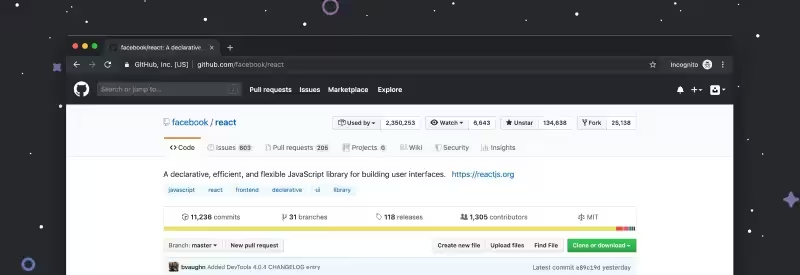
If you have a project and want to checkout a specific revision (commit), you can do it as described below.
1) Clone the project:
$ git clone https://github.com/<organization>/<project>.git
$ cd <project>2) Use the git describe command to get a readable name for your commit.
git describe first looks for a tag that exactly matches that commit. If no exact match is found, it walks back through commit history to find the nearest ancestor tag, then outputs that tag along with an abbreviated SHA1 of your commit. Read more about this command here.
$ git describe 5f6ba67e3f8cb59cb9a2f4db22f12e55326a182d
kors-2757-g5f6ba673) Checkout the specified revision:
$ git checkout kors-2757-g5f6ba674) You can go back to the top with:
$ git checkout masterIf you are looking for an experienced software development team to help create your product, explore our Web Development Services.


